Free eBook Publishing Software - Empower eBooks with Flipbook Animation and Extraordinary Experience
Want unrivaled beauty for your published eBook? Then AnyFlip would give you a big surprise
Want unrivaled beauty for your published eBook? Then AnyFlip would give you a big surprise
At one time or another, I would find someone sipping his coffee pleasurably in a silent café while enjoying the latest publication. Now paper magazines have been faded out of their sight. Most of them prefer sliding the phone screen for latest news, which is the main fashion stream nowadays. I wonder whether you have noticed the delicate change. If you do, then why not start to turn your traditional publication into fashionable digital magazines.
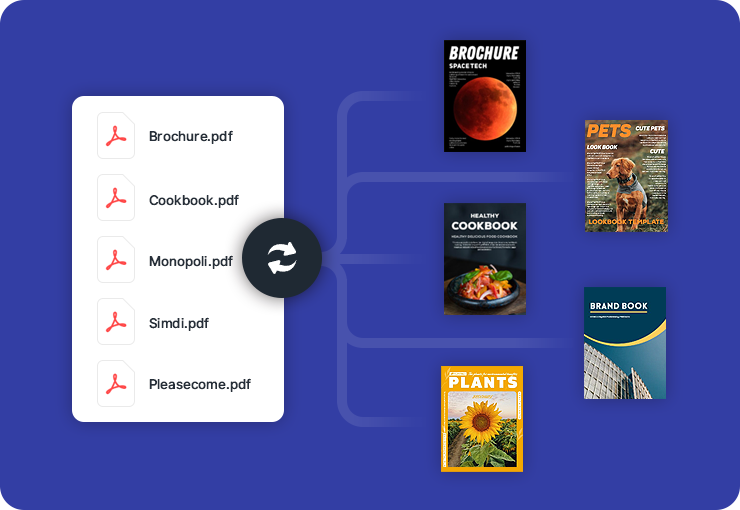
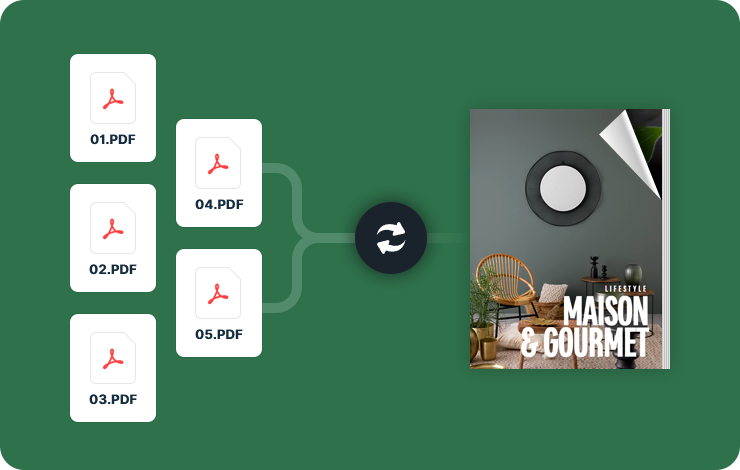
AnyFlip is free eBook publishing software which can convert PDF and MS Office documents into page turning magazines. It costs you less time and energy for more amazing results. You could add animated media into any place of your publication. Dynamic texts, images, videos, audios and hyperlinks are all at your disposal. You could also use AnyFlip platform to interact with your readers actively and efficiently. For your convenience, you could design your flipbook on local platform or online website. Give AnyFlip a little patience, and you would find it lovable.
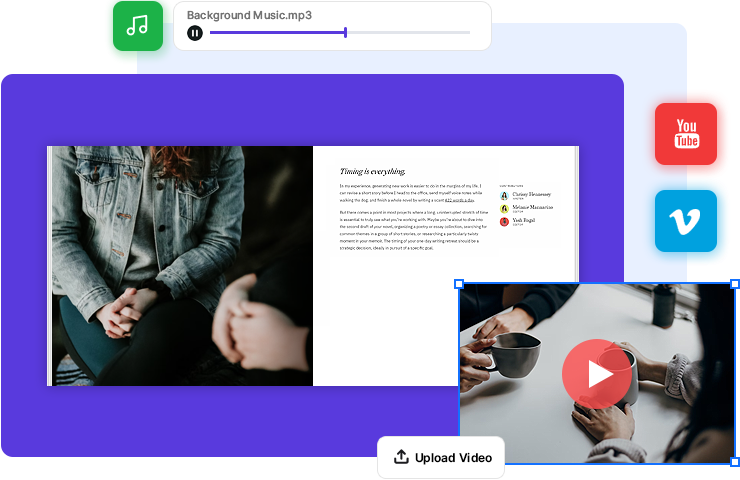
We all agree that sound and video could unconsciously take readers into a specific environment. It is a good way to involve your marketing idea into the music and videos. In the powerful Page Editor interface, you could drag and drop your ideal sound and video into your publication. Readers could find more details of your product via the video as well.
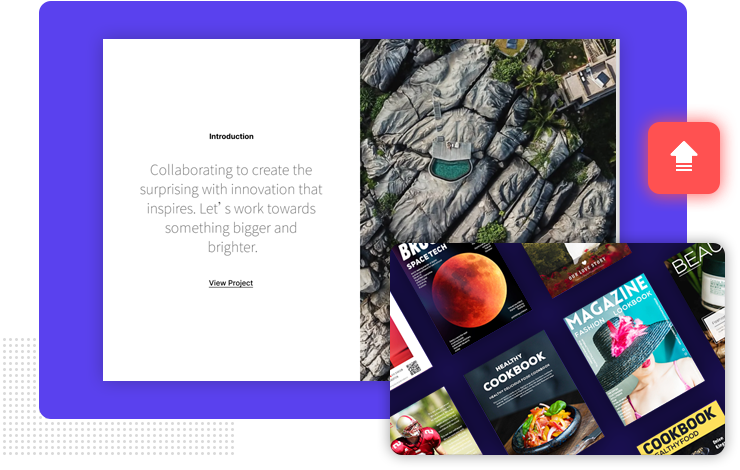
For better your interaction with audience, AnyFlip provides you with Text Note and Bookmarks features. You can show your Bookmark button and enable Annotation on your toolbar, so your readers can set a bookmark for next time reading. Readers can also add some notes on your flipbook anytime and the notes are only open to the book owner. All these active interaction make your digital content more like printed materials.
AnyFlip allows readers to share the published eBook to people around the whole world. Tons of social networks including Facebook, Twitter, and Linkedin are available for readers to send their favorite publications to friends. You would find this function does a lot to advertise and popularize your online content in an amazing speed.
Create your web digital publications with AnyFlip — the excellent free flip book maker.
Get Started Free