Free HTML5 Flipbook Software Can Make Cross-Platform Flipbooks for a Widest Audience
AnyFlip could make your flipbook more compatible and present it to a large number of people
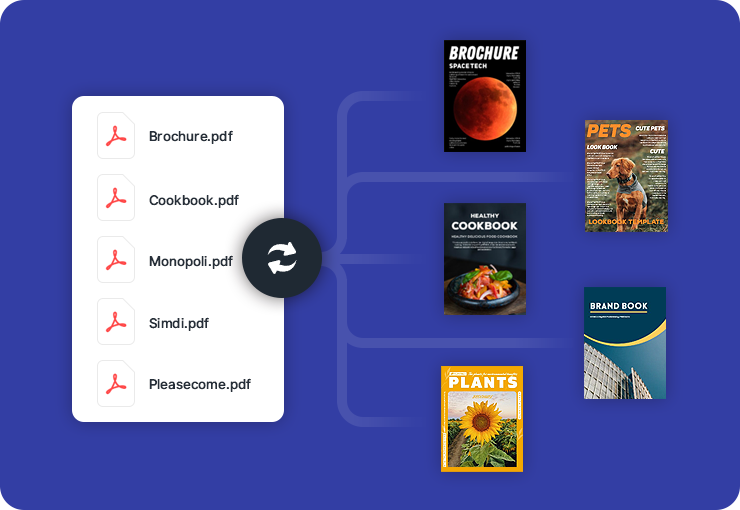
AnyFlip could make your flipbook more compatible and present it to a large number of people
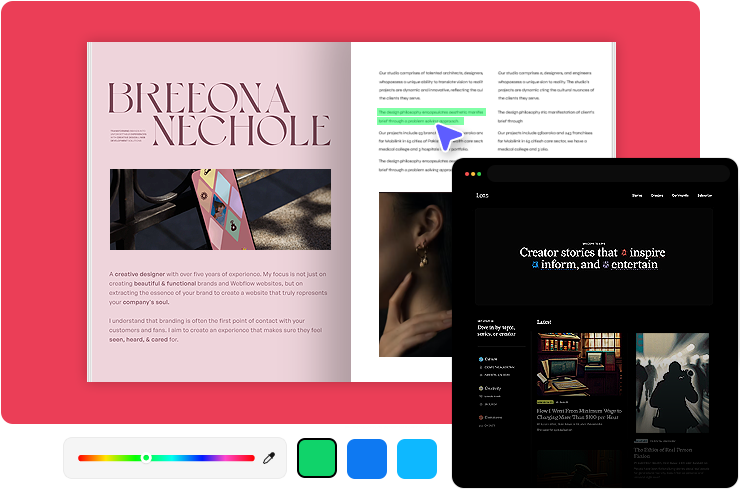
Not surprisingly, it would be a painful thing that our published flipbook could only be viewed by few people. After all, we have devoted so much time and money on editing and compiling the flipbook. Few people know means fewer people would be turned to real buyers. Worse and worse, our profit would drop down dramatically. So you should never underestimate the power of reachability and mobility that influence your digital content.
Those digital flipbooks based on HTML5 can be presented on different platforms. Anyone can convert a PDF into free HTML5 flipbook easily and quickly. You do not need any complicated programming skills and any third party. When you finish the conversion, you can customize your flipbooks with stunning features. After you upload the flipbook online, visitors can view it on tablets, iPad, iPhone and android devices. Show confidence in the page turning software AnyFlip , and you will find how amazing it is.
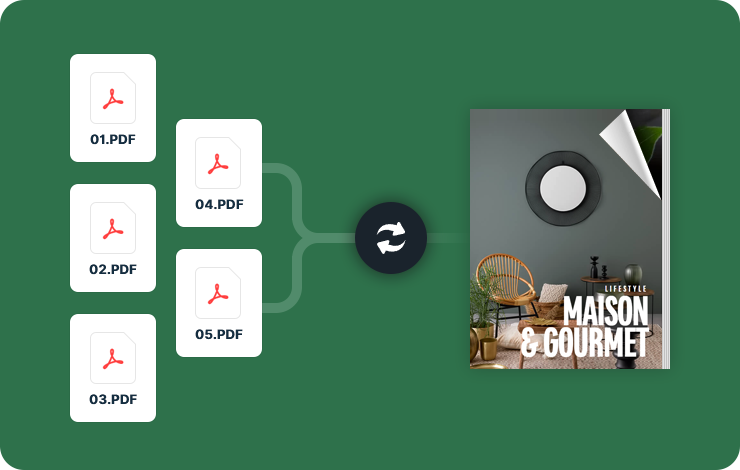
AnyFlip allows you to create engaging HTML5 digital flipbook working on any platform. Your created content can work on all kinds of tablets, Apple and Android devices. It is beneficial to let more people view your digital flipbook. Besides, for different need, you can output your flipbook in different format like HTML, SWF, EXE, APP and ZIP and then upload it online.
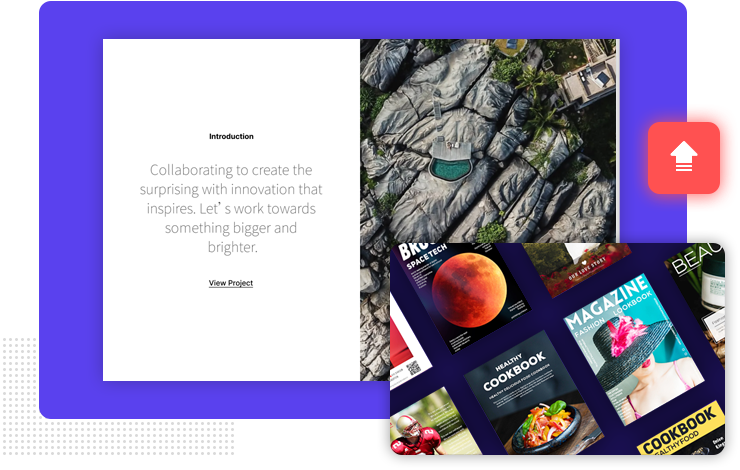
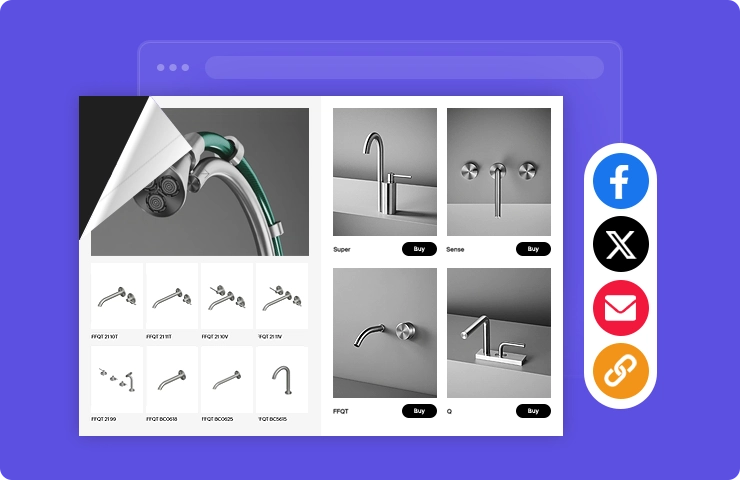
You can show a share button on your flipbook for visitors to share your content. When you customize your flipbook with AnyFlip, set a share button on Design Setting bar. Or share your flipbook through the online webpage. The popular social network includes Facebook, Twitter, Google and hundreds of other networks.
Use AnyFlip to insert an enterprise logo and add a link to it so visitors can go to your homepage directly. Besides, you could also use the Edit Pages to add link to any place of your book. In that way, you can efficiently lead visitors to your wanted homepage for more details.
Create your web digital publications with AnyFlip — the excellent free flip book maker.
Get Started Free