Online Flyer Maker - The Easiest Way to Create Online Page-Flipping Flyer
Easy to use online flyer software for creating professional page turning online flyer in minutes
Easy to use online flyer software for creating professional page turning online flyer in minutes
We may always hear flyer, brochure and newsletter then do you know what the differences between them? First of all, flyers are the best for small scale marketing. General speaking, flyers are a cheap way to reach large numbers of customers. Moreover, flyers are most often used for announcements of event, product or services information and more. Then brochure is to give more information and usually people that are interested in learning more about a product will pick up a brochure.
Newsletter is one of the best ways to reach more audiences. Since flyers is one of the inexpensive ways to promote your product and services, then you should create one for your business. AnyFlip is perfect online flyer maker for creating remarkable page flipping flyers to view online and offline. Furthermore, AnyFlip provides the simplest solution for users to make wonderful online flyers in several steps.
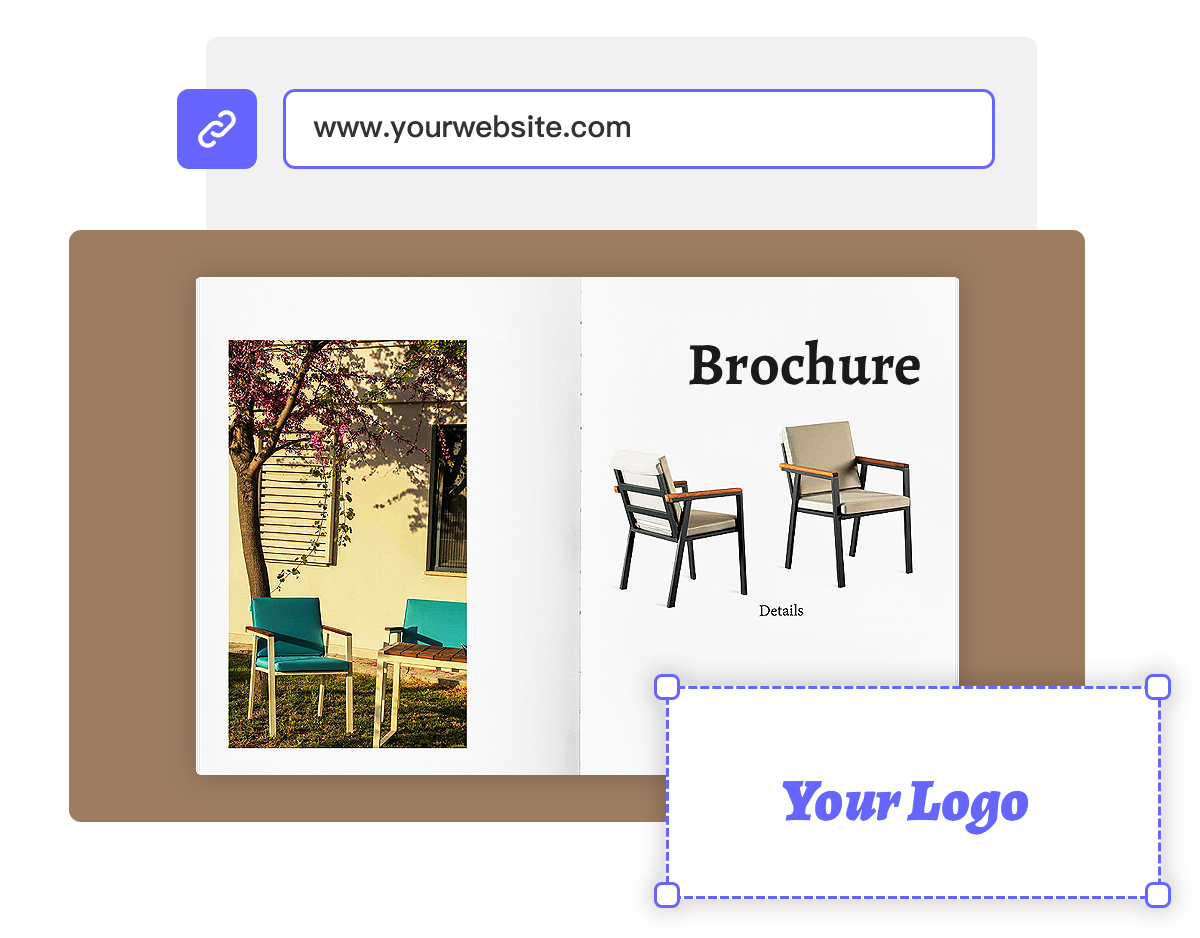
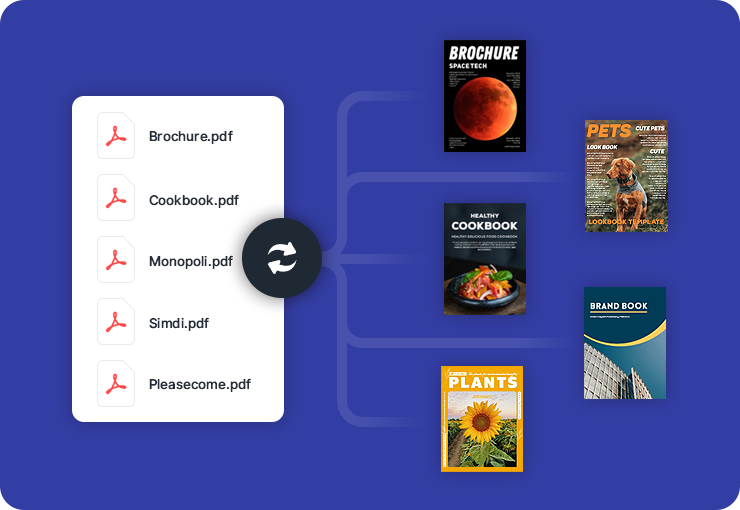
Before you create page flipping flyers, you should create an account on anyflip.com first. And then you can start to upload PDF and create page flipping flyers in minutes. However, you can customize online flyer settings while it is creating.
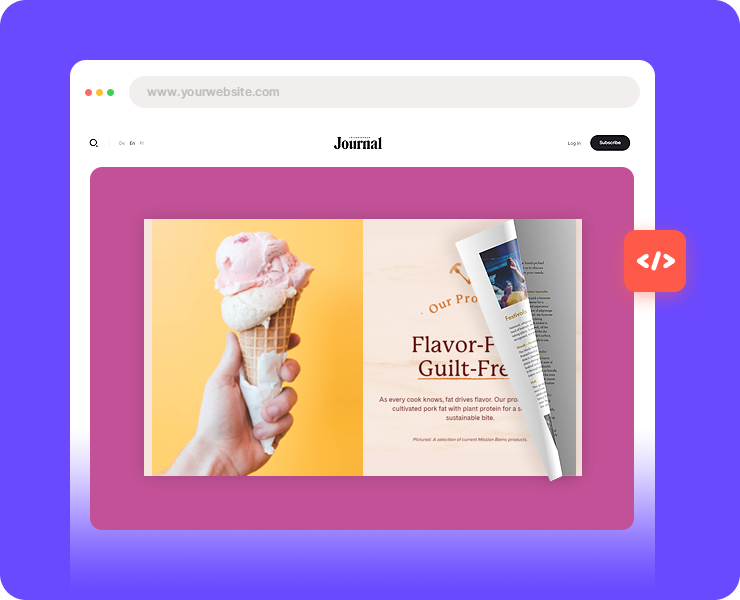
Online flyer software AnyFlip allows users to customize book information including title, description and keywords to make it search engine friendly. In addition, there are diverse beautiful templates and themes for users to customize layout of page flip flyers.
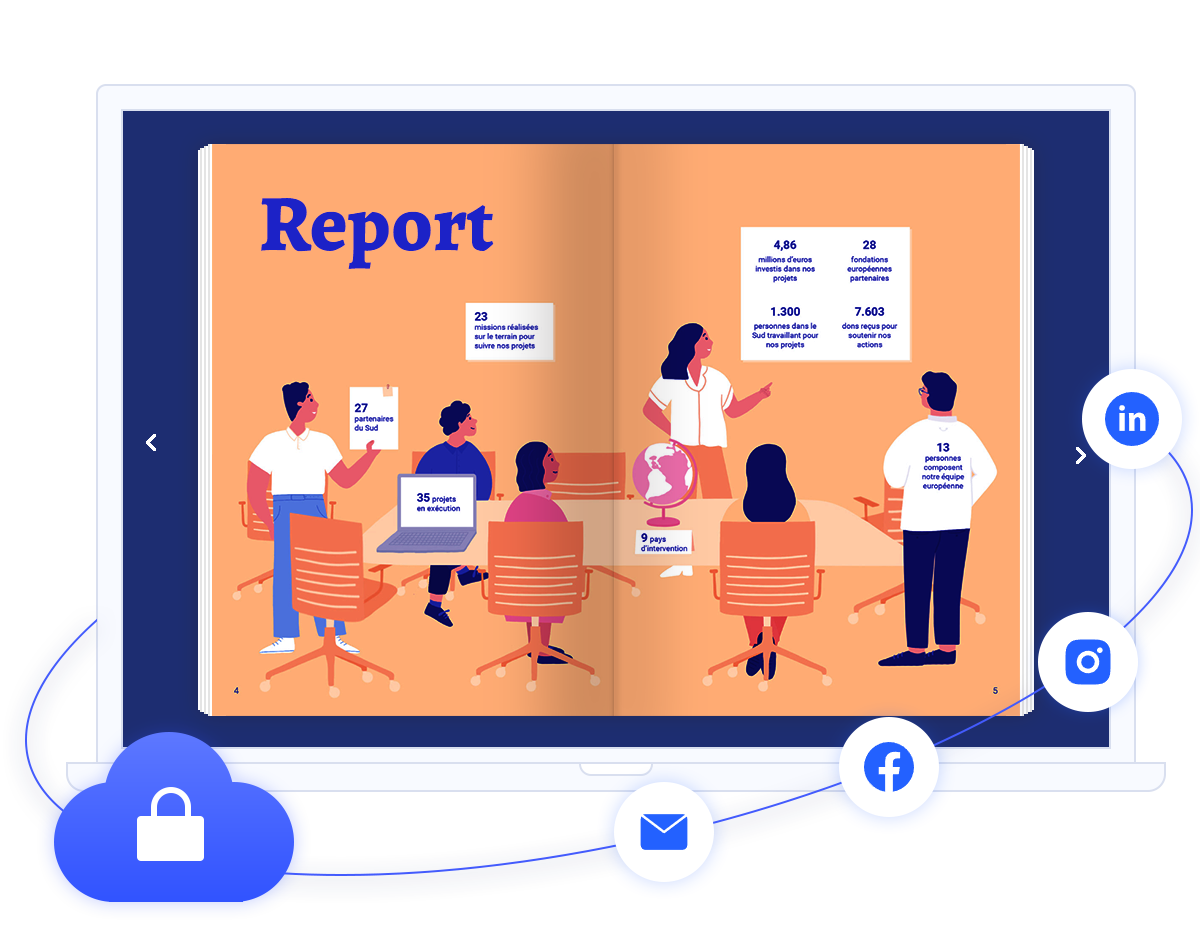
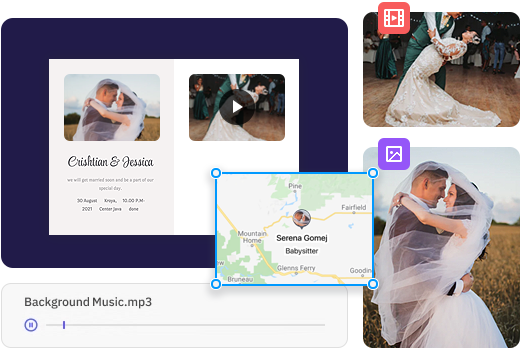
Users are able to customize function settings such as toolbar setting, flash display settings and flash control settings of online page turning flyer. Additionally, you can insert logo and URL to build brand awareness; make search button show on toolbar to get the information you need by searching relevant keywords and phrase.
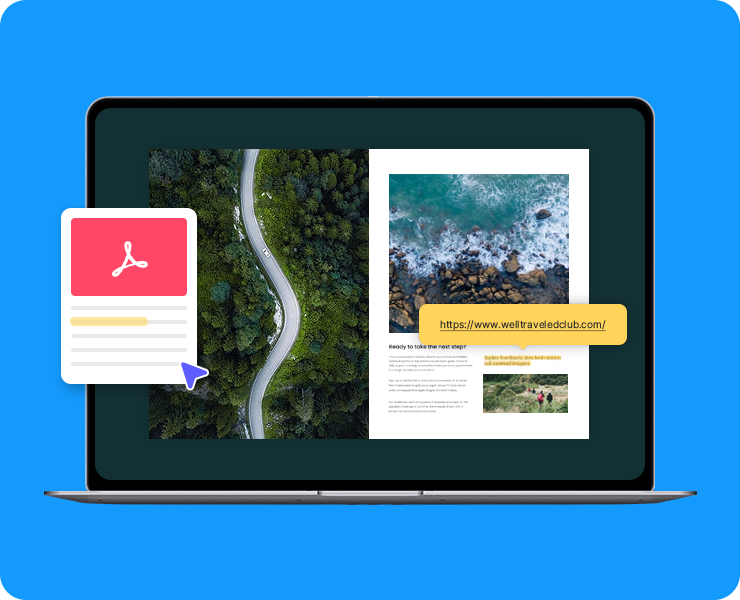
Once you are done in creating online flyer with AnyFlip, you will see there is text version for your online flyer as well. Text version is to capture the text on your original file in order to make it can be searched by search engines easier.
Create your web digital publications with AnyFlip — the excellent free flip book maker.
Get Started Free